

Introduction
Getting paid should not feel more difficult than doing the actual work. Many freelancers and small business owners still create invoices manually in Word, Excel, or WhatsApp messages. That can work in the beginning, but it quickly becomes messy when clients ask for revisions, partial payments, receipts, tax details, or payment reminders.
A good invoicing tool helps you create professional invoices, track unpaid bills, send reminders, and keep payment records in one place. This guide compares popular invoicing tools in a beginner-friendly way. The goal is not to declare one tool perfect for everyone. The goal is to help you choose the right tool based on how your business actually works.
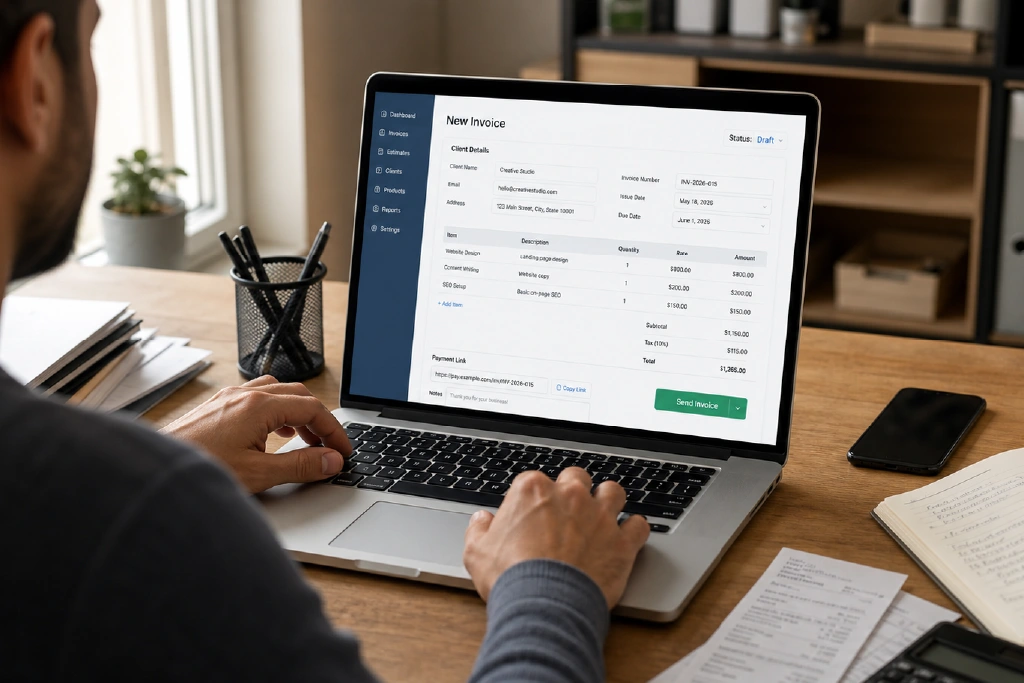
What Makes a Good Invoicing Tool?
Before choosing software, look at the daily problems it should solve. A freelancer may only need simple invoices and payment links. A growing agency may need recurring invoices, time tracking, expense tracking, reports, and accounting integrations. A business selling services internationally may need multi-currency support and clear tax fields.
- Professional invoice templates with your logo and business details.
- Payment status tracking so you know what is paid, pending, or overdue.
- Automatic reminders for clients who forget payment dates.
- Recurring invoices for monthly retainers or subscriptions.
- Expense tracking if you want income and costs in one place.
- Online payment options where available in your country.
- Exportable reports for accounting and tax preparation.
Quick Comparison of Popular Invoicing Tools
| Tool | Best For | Strength | Watch Out For |
|---|---|---|---|
| QuickBooks | Small businesses that need invoicing plus accounting | Strong finance, reporting, and bookkeeping features | May be more than a very small freelancer needs |
| FreshBooks | Freelancers and service businesses | Easy invoicing, time tracking, expenses, and client billing | Advanced needs can increase plan cost |
| Zoho Invoice | Freelancers and small teams wanting a free invoicing option | Free invoicing with templates, estimates, and payment tracking | Best experience if you already use or plan to use Zoho tools |
| Wave | Small businesses wanting simple invoicing and accounting features | Invoice and accounting tools connected in one place | Availability and payment features may vary by region |
| PayPal or Stripe Invoicing | Businesses that mainly need fast payment links | Simple online payment collection | Less complete for accounting compared with full invoicing software |
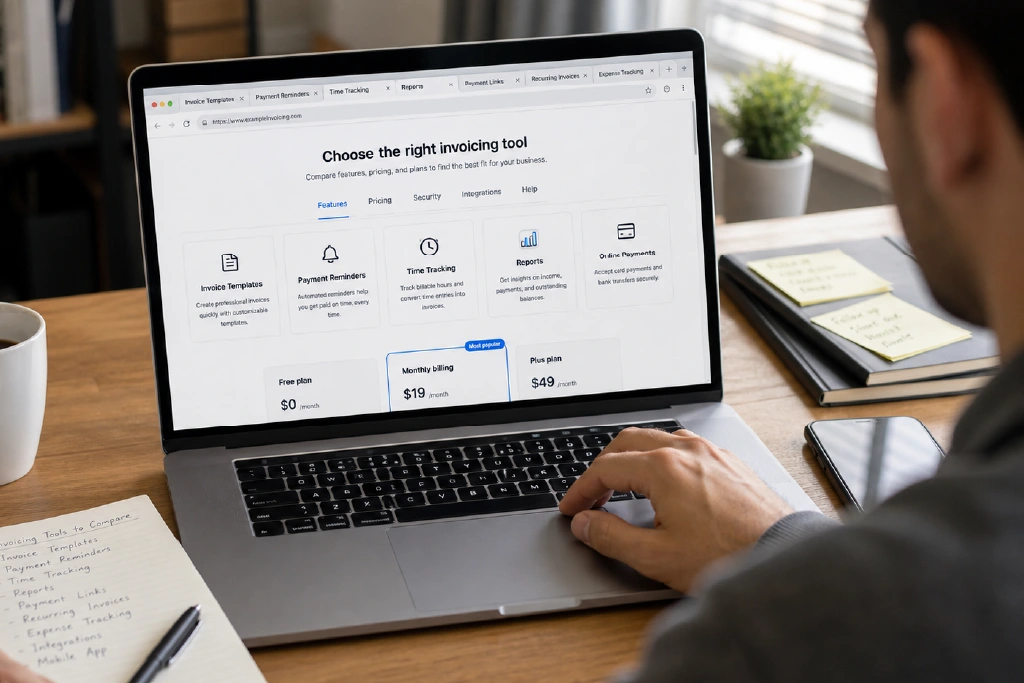
1. QuickBooks
QuickBooks is a strong option for businesses that want more than basic invoice creation. It can support invoicing, expense tracking, cash flow visibility, and financial reporting. This makes it useful for small businesses that are starting to treat finance more seriously and want invoices connected with bookkeeping.
Choose QuickBooks if you need a finance system, not just a PDF invoice generator. It may be especially useful for agencies, consultants, shops, and service companies that send regular invoices and need better financial records.
2. FreshBooks
FreshBooks is popular with freelancers, consultants, and service providers because it focuses on simple invoicing, time tracking, expenses, and client billing. If you charge by the hour or work on projects, FreshBooks can make it easier to turn tracked time and expenses into invoices.
Choose FreshBooks if you want an easy interface and your business is service-based. It is a good fit for designers, developers, writers, marketers, and consultants who want less manual billing work.
3. Zoho Invoice
Zoho Invoice is a strong option for freelancers and small businesses looking for a free invoicing tool. It supports invoices, quotes, customer communication, and payment tracking. It can also make sense if your business already uses other Zoho products such as Zoho CRM, Zoho Books, or Zoho Mail.
Choose Zoho Invoice if you want a budget-friendly starting point and your main need is professional invoice creation and follow-up.
4. Wave
Wave is known for combining invoicing and accounting tools for small businesses. It can be useful when you want to keep invoices, payments, income, and expenses more organized without building a complicated finance setup from day one.
Choose Wave if it is available in your region and you want simple invoice management connected with broader business money tracking.
5. PayPal or Stripe Invoicing
Some freelancers do not need a full accounting tool at the start. They only need to send payment requests quickly. PayPal and Stripe invoicing can be useful for simple payment collection, especially when clients are already comfortable paying through those platforms.
Choose this option if your billing is simple, your client accepts those payment methods, and you do not need detailed accounting features yet.
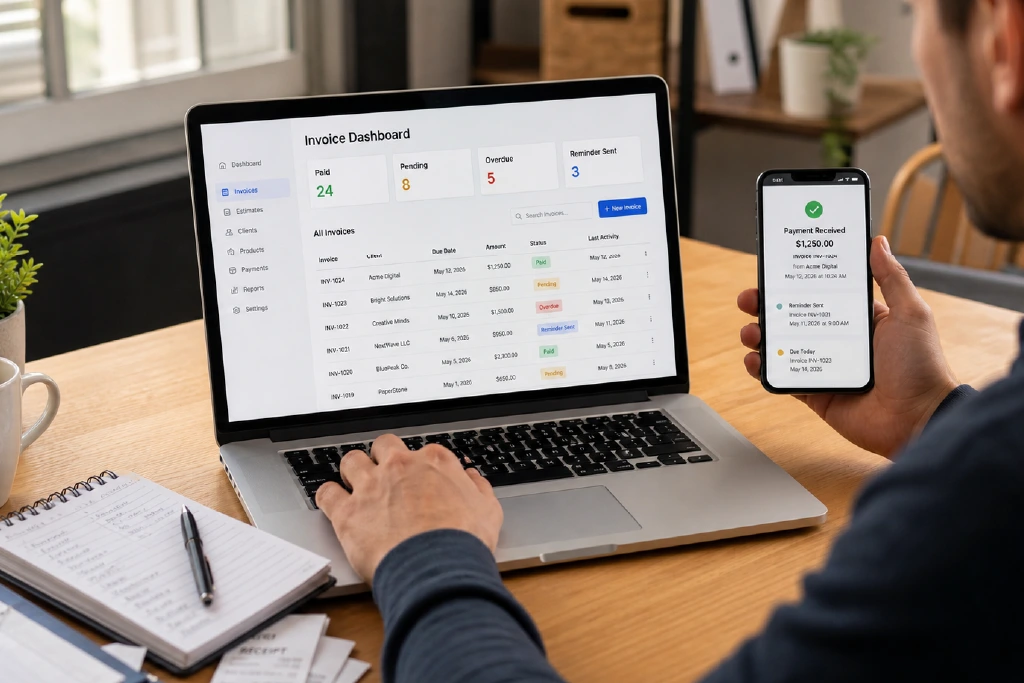
How to Choose the Right Invoicing Tool
The best invoicing tool is the one you will actually use every month. A tool with many features is not helpful if it feels too complex. Start with your current business stage and upgrade only when needed.
- If you are a beginner freelancer, start with a simple or free invoicing tool.
- If you manage retainers, choose a tool with recurring invoices.
- If you charge hourly, choose a tool with time tracking.
- If you manage expenses and reports, choose invoicing software connected with accounting.
- If you work internationally, check currency, tax, and payment support before committing.
AdSense-Friendly Review Note
If you publish software reviews on your blog, keep them honest and useful. Do not write fake claims such as “best for everyone” or “guaranteed to increase income.” Avoid copying product pages. Add your own comparison, use cases, pros and cons, and selection advice. If you use affiliate links, add a clear disclosure near the top of the article.
Conclusion
Invoicing software can save time, reduce payment confusion, and make your business look more professional. QuickBooks is strong for accounting-heavy businesses. FreshBooks is practical for freelancers and service providers. Zoho Invoice is a strong free option. Wave is useful where its invoicing and accounting tools fit your region. PayPal or Stripe invoicing can be enough for simple payment collection. The right choice depends on your workflow, client type, and how much financial tracking you need.


