

Introduction
A visitor may be interested in your service, but one unanswered question can stop them from contacting you or completing a purchase. Live chat helps businesses answer questions while visitors are still on the website. It can also collect leads, guide customers, and reduce repeated support emails.
This article is not about choosing the most popular tool blindly. The right live chat tool depends on your website type, team size, support hours, CRM needs, budget, and how much automation you want. Use this guide as a practical checklist before selecting a tool.
Key takeaway: The best live chat tool is the one your team can actually manage. A simple tool used daily is better than an advanced tool nobody checks.
What Is a Live Chat Tool?
A live chat tool adds a chat widget to a website so visitors can message the business in real time. Many tools also include chatbots, saved replies, visitor tracking, routing, CRM integration, and analytics.
For a small business, live chat can work as a sales assistant, support channel, and lead capture form. For larger teams, it can become part of a full customer support workflow with tickets and automation.
Key Features to Compare
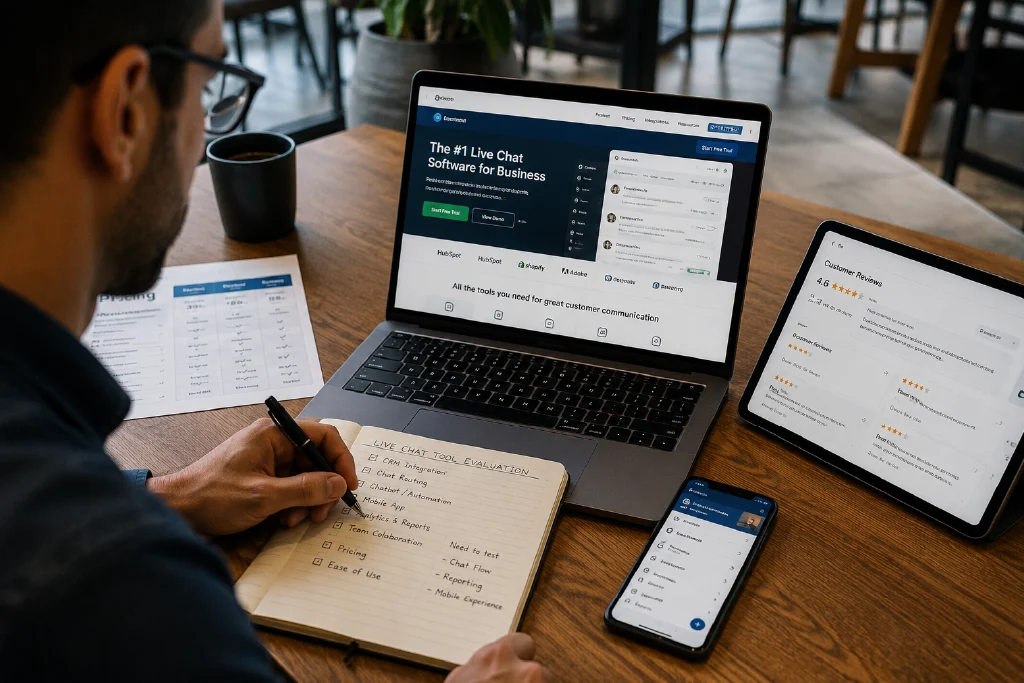
Before choosing a live chat platform, compare the features that will affect your daily workflow. Do not select a tool only because it has many features on the pricing page.
| Feature | Why It Matters |
|---|---|
| Chat widget customization | Helps the chat box match your website branding. |
| Canned replies | Saves time by reusing answers to common questions. |
| Chat routing | Sends conversations to the right team member or department. |
| Business hours | Sets expectations when your team is offline. |
| Chatbot or automation | Answers basic questions when agents are unavailable. |
| CRM integration | Connects conversations with contacts, deals, and customer history. |
| Mobile app | Allows small teams to answer visitors while away from the desk. |
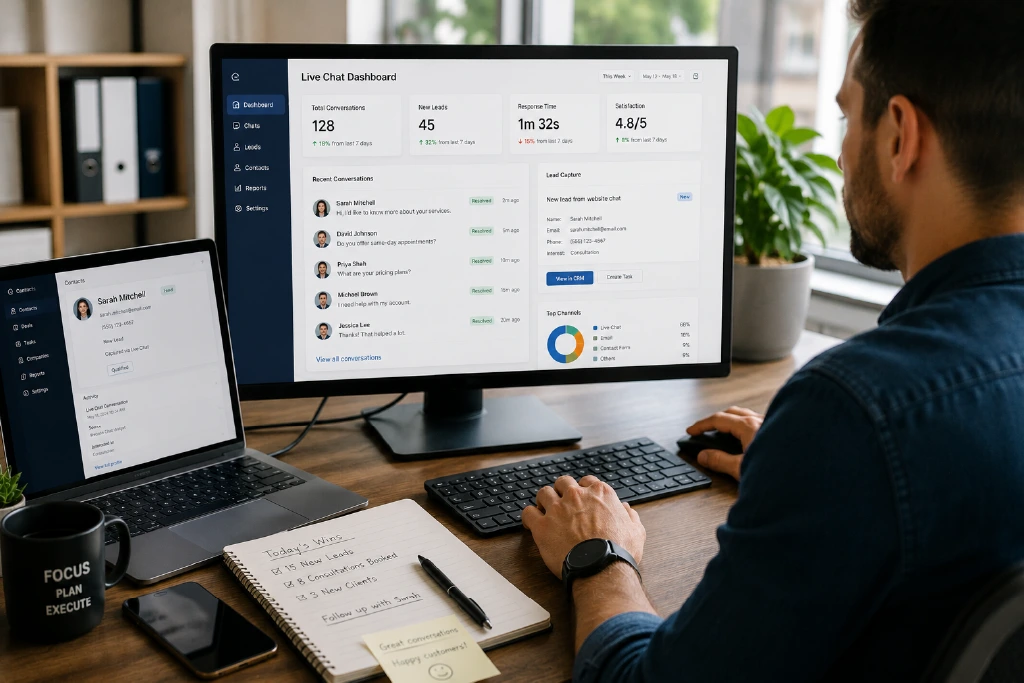
| Analytics | Shows response time, conversation volume, and support performance. |
Examples of Popular Live Chat Tools
Many live chat tools are available, and features change over time. Some commonly used options include Tidio, Zendesk Messaging, Crisp, Zoho SalesIQ, HubSpot live chat, and LiveChat. Instead of copying a “top 10” list, check the features, support channels, pricing limits, and integration needs for your own business.
For example, an ecommerce store may care more about product recommendations and cart questions. A service business may care more about lead capture, appointment requests, and CRM integration. A software company may need ticketing, routing, and knowledge base integration.
When Should a Business Use Chatbots?
Chatbots can be helpful when visitors ask repeated questions such as business hours, pricing ranges, booking steps, shipping information, or service areas. However, chatbots should not pretend to be human or block users from contacting a real person when the question is important.
A good chatbot should support the team, not replace good customer service. Start with a few simple flows and improve them based on real conversations.
- Use chatbots for FAQs, basic lead capture, and routing.
- Offer an option to talk to a human when needed.
- Review chatbot answers regularly for accuracy.
- Do not collect sensitive personal information unless you have proper privacy policies and security controls.
How to Choose the Right Tool for Your Website
- Write down why you need live chat: leads, support, sales, bookings, or all of these.
- Check how many people will reply to chats and what hours they are available.
- Decide whether you need CRM, helpdesk, or email integration.
- Test the widget on mobile because many visitors will use phones.
- Review privacy, data storage, pricing limits, and monthly conversation limits.
- Start with a small setup, measure results, and upgrade only when needed.

AdSense and User Experience Considerations
If your website uses ads, live chat should not cover the main content or create a frustrating experience. Avoid aggressive popups that block reading. Keep the widget visible but not distracting.
A clean website layout supports both users and monetization. Helpful content should remain the main focus of the page, while chat and ads should support the experience rather than interrupt it.
Simple Implementation Plan
| Step | Action |
|---|---|
| Step 1 | Choose the main goal: support, lead generation, sales assistance, or booking. |
| Step 2 | Shortlist 3 tools and compare widget design, mobile app, integrations, and limits. |
| Step 3 | Install on a staging site or one low-risk page first. |
| Step 4 | Create 10 saved replies for common questions. |
| Step 5 | Review chat logs weekly and improve responses based on real visitor questions. |