Introduction
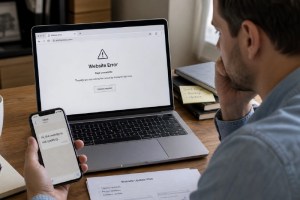
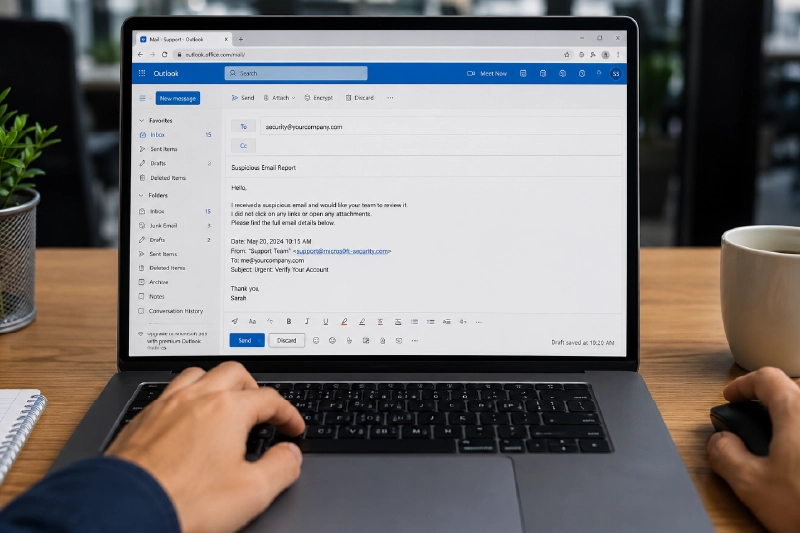
Email is still one of the most important tools for business communication. It is also one of the most common ways attackers try to trick people. A phishing email may look like a message from a bank, delivery company, software provider, client, boss, or hosting company. The goal is usually to make someone click a harmful link, open a risky attachment, or share login details.
For small businesses, phishing can be especially dangerous because one compromised email account can expose client conversations, invoices, files, website logins, and payment details. The good news is that many phishing risks can be reduced with simple habits, better account protection, and clear internal rules.
This guide is defensive and beginner-friendly. It does not teach attack methods. It explains how business owners and teams can spot suspicious emails and protect their accounts more responsibly.
What Is Phishing?
Phishing is a type of online scam where criminals try to trick people into taking unsafe actions. These actions may include entering a password on a fake login page, downloading malware, sending money to a fake account, or sharing sensitive information. Some phishing messages are badly written, but many are now polished, personalized, and difficult to identify at first glance.
Common Signs of a Phishing Email
- The sender address looks slightly different from the real company domain.
- The message creates urgency, fear, or pressure to act immediately.
- The email asks for passwords, verification codes, payment details, or private data.
- The link text looks normal, but the actual link goes somewhere unexpected.
- The attachment is unexpected, especially if it is a compressed file or macro-enabled document.
- The email contains unusual wording compared to the sender’s normal style.
The safest rule is simple: do not click first and think later. Pause, verify, and then act.
Use Strong Passwords and a Password Manager
Weak passwords make phishing damage worse. If an employee uses the same password across email, hosting, social media, and CRM tools, one stolen password can open multiple systems. A password manager helps each account use a unique, strong password without forcing staff to remember every password manually.
Business owners should avoid shared passwords in chat groups or spreadsheets. If a team member leaves, shared passwords become a serious risk. Use proper user accounts and role-based access wherever possible.
Turn On Multi-Factor Authentication
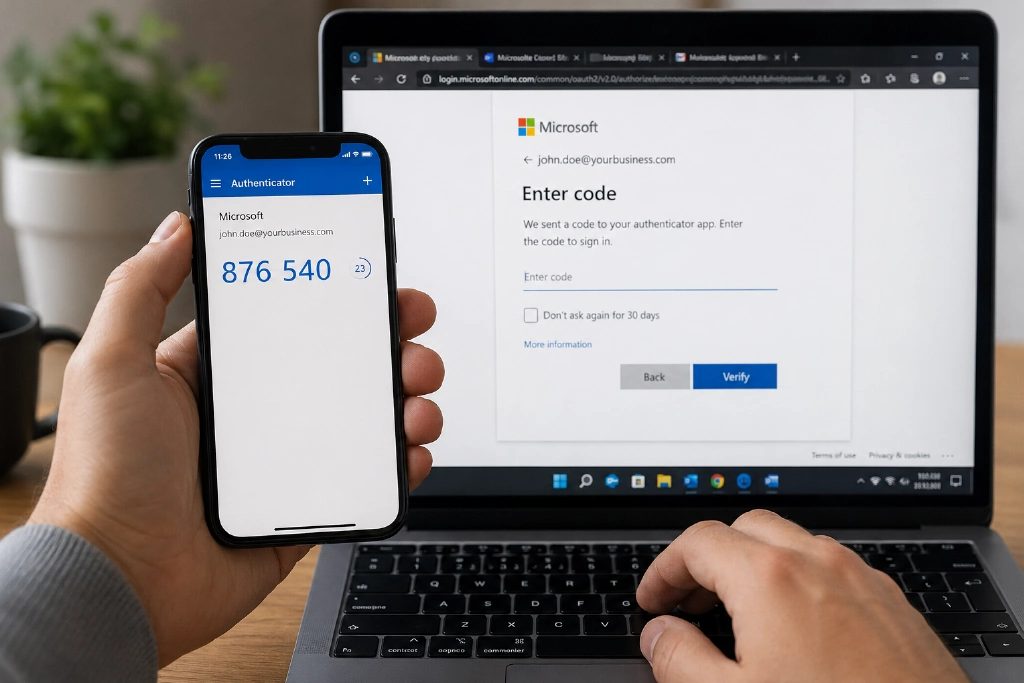
Multi-factor authentication, often called MFA or 2FA, adds another layer of protection beyond the password. Even if someone enters a password on a fake page, MFA can make unauthorized access harder. Authenticator apps, passkeys, and security keys are usually stronger than relying only on SMS codes.
MFA should be enabled at least for email, hosting accounts, domain registrar accounts, social media, cloud storage, CRM, payment tools, and ad accounts. These systems can cause major damage if compromised.

Set Up Email Authentication Records
Email authentication helps receiving servers check whether messages are allowed to come from your domain. The three common records are SPF, DKIM, and DMARC. They do not stop every phishing attempt, but they help reduce domain spoofing and improve trust in legitimate email delivery.
| Record | Purpose |
|---|---|
| SPF | Lists which mail servers are allowed to send email for your domain. |
| DKIM | Adds a digital signature to help verify that an email was not altered. |
| DMARC | Tells receiving servers what to do when SPF or DKIM checks fail and provides reporting options. |
If your business uses Google Workspace, Microsoft 365, Zoho Mail, or another email provider, follow that provider’s official instructions for SPF, DKIM, and DMARC. Avoid copying random DNS records from unrelated websites because incorrect records can affect delivery.
Train Your Team with Simple Rules
Security training does not need to be boring or complicated. A short monthly reminder can protect the company better than a long policy nobody reads. Teach staff to check sender addresses, avoid unknown links, confirm payment changes by phone or a trusted channel, and report suspicious emails quickly.
- Never share passwords or verification codes by email.
- Confirm bank account changes through a trusted phone number, not only by email reply.
- Do not open unexpected attachments from unknown senders.
- Report suspicious emails to the manager or IT person instead of deleting silently.
- Use bookmarks for important login pages instead of clicking login links in emails.
Create a Payment Verification Process
Many business email scams involve fake invoices or changed bank details. If a supplier or client sends new bank details, verify the change through a second channel. For example, call a known number already saved in your records. Do not call the number inside the suspicious email because it may also be fake.
For bigger payments, require approval from two people. A simple approval process can prevent expensive mistakes.
Keep Devices and Browsers Updated
Email security is not only about the inbox. If a device is outdated, malware can cause damage even after one accidental click. Keep operating systems, browsers, antivirus tools, and business apps updated. Turn on automatic updates where possible, especially for phones and laptops used for company email.
What to Do If Someone Clicks a Phishing Link
- Disconnect the device from the internet if malware is suspected.
- Change the affected account password from a safe device.
- Sign out of all active sessions if the email provider allows it.
- Check forwarding rules, recovery emails, and connected apps inside the account.
- Inform affected clients or team members if sensitive information may be exposed.
- Review logs and strengthen MFA, passwords, and access permissions.

Final Thoughts
Phishing protection is not about being perfect. It is about reducing risk and creating habits that stop small mistakes from becoming major incidents. Strong passwords, MFA, email authentication, staff awareness, and clear reporting rules can make a small business much harder to trick.
For a professional website or AdSense-focused blog, email trust also matters. Your domain email is part of your online identity. Protecting it helps protect your visitors, clients, and business reputation.